Download document () of 20
 Send email
Download
You have exceeded the download limit
Galileo is an intuitive, easy-to-learn and still powerful project design environment that fulfills almost all requirements of an on-site machine operation. With its non-sector specific concept, the visualization software offers seamless project design for all XV/XP operator panels and all PC run-time solutions. It provides full functionality for the project designer at any time without any graduated restrictions on variables or screens.

Galileo can be purchased here on Eaton.com or through a distributor, and is available as a single-set or a multi-seat license.
With a wide variety of new features, Galileo 10 is revolutionizing both controls and operation for the entire lifecycle of both machines and systems.
In other words: from engineering, through commissioning and operation, all the way to maintenance, build applications faster!
Sidebar
When an object is selected, its most important attributes will always be shown on a sidebar. This not only makes everything more manageable, but also means that you will only need a few mouse clicks to get things done. By selecting multiple objects, you can make changes quickly:
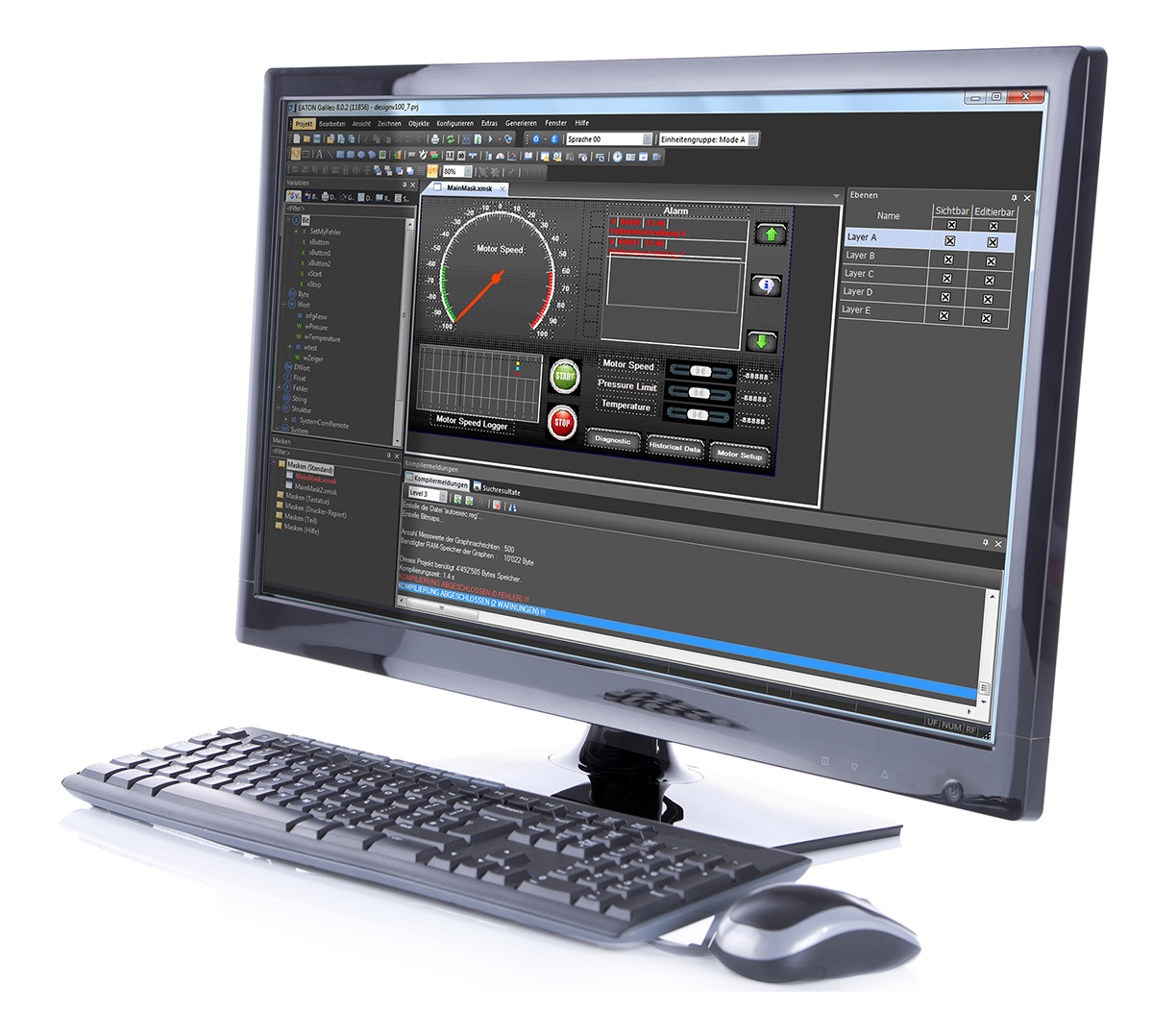
The software searches for the screens, variables, bitmaps, and scripts in a project at record speeds. The corresponding results are shown in a clearly laid out list, and you can access the results you want with a double-click. Further, the variable tree is sorted by communications, making it possible to use identical variable names.
The ability to reuse a group of objects in an advanced sub-screen makes it possible to arrange similar visualization objects quickly and in a clearly laid out manner. Moreover, it ensures that changes to a data type and to an advanced screen will be applied to all the corresponding instances. In addition, you can create your own data types. All it takes to assign variables to objects is dragging and dropping them accordingly.
Styles ensure that objects will have a uniform appearance throughout an entire project. For example, if you choose to modify the attributes for an object, the changes you make will apply to every single object using the same style.
Galileo 10 is an intuitive and powerful engineering environment that takes little time to master and meets basic requirements involved in today’s on-machine operation. It is tailored to the needs of system integrators and reflects the latest in visualization technology.
Watch the videos to learn more.
From the Galileo "How To" series
Galileo features a special dialog box that can be used to copy variables, objects, bitmaps, and styles between two projects.
The aspect ratio function in Galileo can be used to switch between an aspect ratio of 4:3 and 16:9.
The user management functionality is designed to make your processes safer!
The person in charge can create and delete users at run-time and assign them to previously defined groups. And in order to improve safety even further, the system can be configured to automatically log out users and to monitor the system for invalid login attempts. In addition, the functionality features a password history and can be used to monitor password changes.
The software can log and save user actions, as well as any changes that a user makes to values, in the form of a CSV file. This ensures that user input can be tracked in order to provide protection against tampering.

 MyEatonFAQs


